To change your account password
1. From the dashboard click on the user icon and select My Account in the right top corner.
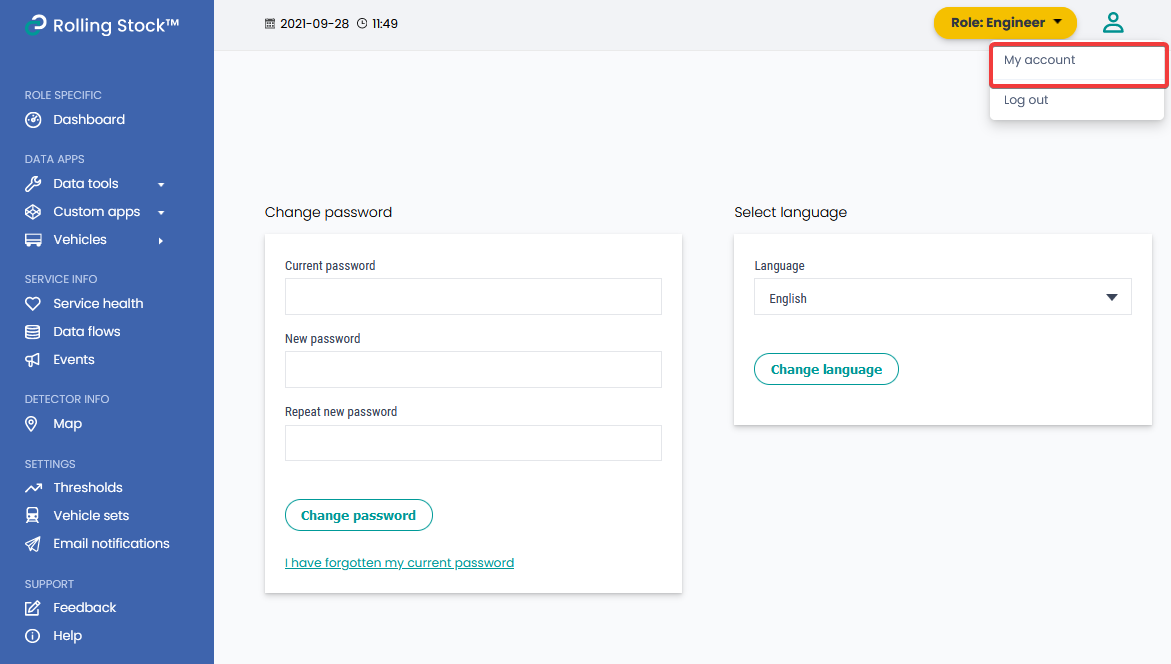
2. Enter the current password and then the new desired password in the input fields.
3. Click the Change Password button.
Note: if you cannot remember your password, click on the link below the button to reset your password.