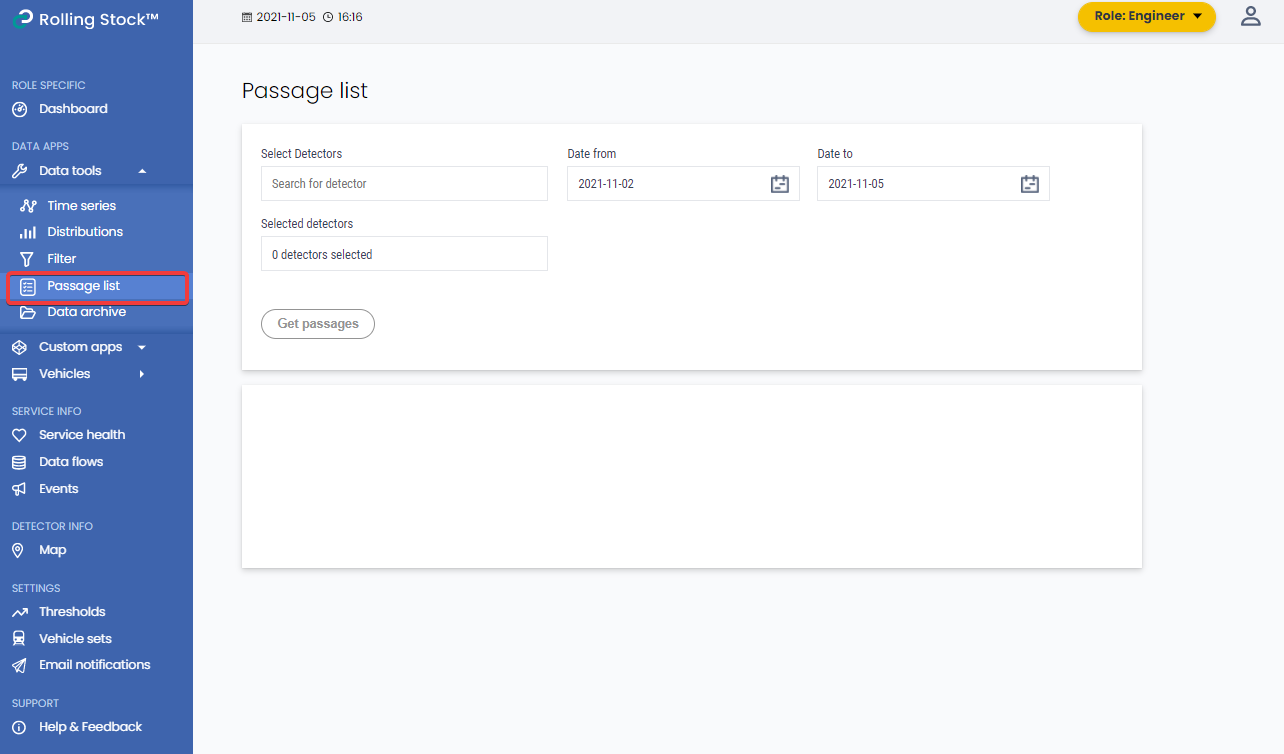
In Passage list, you can see information from the latest passages.
You will find passage list in the left-side menu in the Data tools drop-down list.
View detector info
1. Select Detectors from the detector list and date interval to view.
2. Click on Get Passages and a list of matching passages will show.
3. To view more information about a passage, click on the detector in the list.